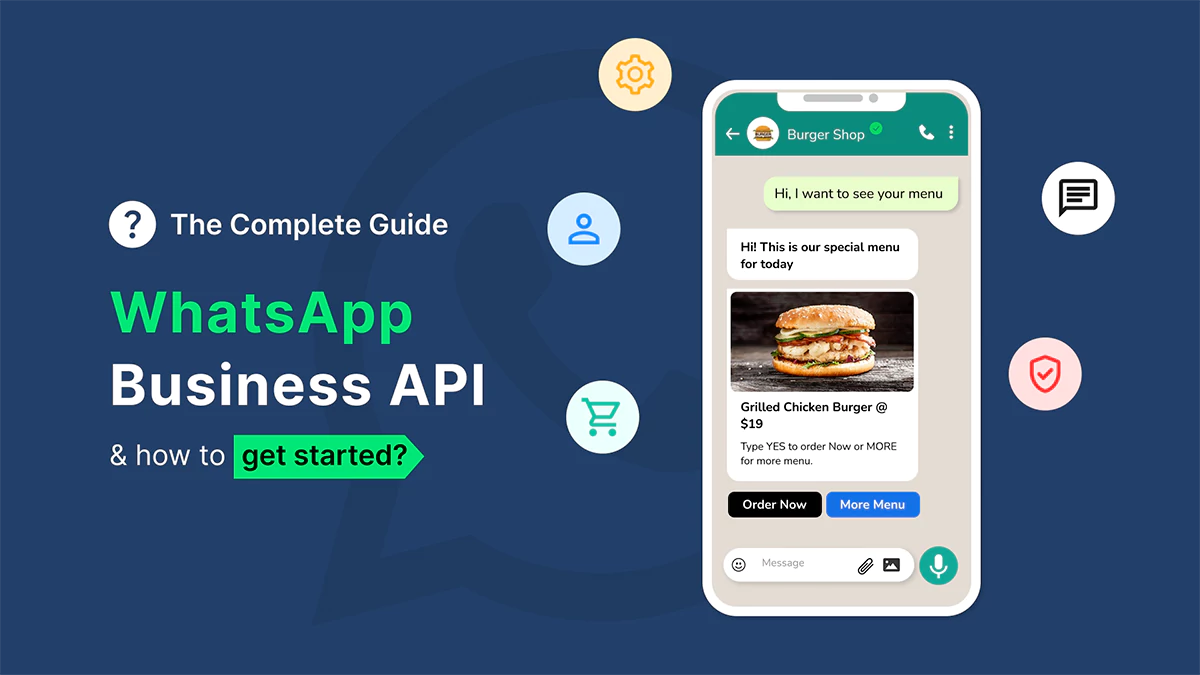
WhatsApp Business API enables enterprises to communicate with customers at scale through the world's most popular messaging platform. With over 2 billion users globally, WhatsApp offers an unprecedented opportunity to engage customers where they already spend their time.
What is WhatsApp Business API?
WhatsApp Business API is a powerful messaging solution designed for medium and large businesses to send notifications, support messages, and marketing content to customers. Unlike the free WhatsApp Business app, the API allows integration with your existing business systems and supports automation at scale.
Key Features and Capabilities
Rich Media Messages
Send text, images, videos, documents, and interactive buttons. Create engaging experiences with media-rich messages that drive customer engagement and action.
Message Templates
Use pre-approved message templates for notifications, updates, and transactional messages. Templates must be approved by WhatsApp but allow you to maintain consistent messaging.
Two-Way Conversations
Customers can respond to your messages within a 24-hour window, enabling natural conversations and customer support interactions directly through WhatsApp.
API Integration
Integrate WhatsApp messaging with your CRM, helpdesk, e-commerce platform, and other business systems for seamless workflow automation.
Business Verification
Get a verified business profile with a green checkmark badge, building trust and credibility with customers.
Use Cases for WhatsApp Business API
- Customer Support: Provide instant, personalized customer support with quick response times and seamless issue resolution.
- Order Notifications: Send order confirmations, shipping updates, and delivery notifications to keep customers informed.
- Appointment Reminders: Automate appointment reminders, confirmations, and rescheduling for service-based businesses.
- Marketing Campaigns: Deliver personalized marketing messages, promotional offers, and product recommendations.
- Transaction Alerts: Send payment confirmations, invoice notifications, and financial alerts securely.
- Lead Generation: Engage website visitors and prospects with automated lead qualification and nurturing flows.
Getting Started: Implementation Steps
1. Choose a Business Solution Provider
Work with an approved WhatsApp Business Solution Provider (BSP) like Hawktrion to set up and manage your WhatsApp Business API account. BSPs handle technical integration and account management.
2. Business Verification
Complete WhatsApp's business verification process. This requires providing business documentation and may take several days. Verified businesses get the green checkmark badge.
3. Phone Number Setup
Register a dedicated phone number for your business account. This number will be used exclusively for WhatsApp Business API messaging.
4. Message Template Approval
Create and submit message templates for WhatsApp approval. Templates are required for messages sent outside the 24-hour conversation window.
5. System Integration
Integrate the WhatsApp Business API with your existing systems (CRM, helpdesk, e-commerce platform) using REST APIs or webhooks.
Best Practices
Respect the 24-Hour Window: Respond to customer messages within 24 hours to maintain conversation continuity without needing approved templates.
Personalize Messages: Use customer data to personalize messages, addressing customers by name and referencing their interactions or purchases.
Optimize for Mobile: Ensure messages are concise and easy to read on mobile devices. Use clear call-to-actions with buttons when appropriate.
Comply with WhatsApp Policies: Follow WhatsApp's business policies, including opt-in requirements, message frequency limits, and content guidelines.
Monitor and Optimize: Track delivery rates, open rates, and customer engagement metrics to continuously improve your messaging strategy.
Pricing Considerations
WhatsApp Business API uses a conversation-based pricing model. Conversations are charged per 24-hour session, with different rates for user-initiated vs. business-initiated conversations. Costs vary by country, and bulk messaging typically offers better rates.
Conclusion
WhatsApp Business API offers enterprises a powerful way to communicate with customers on their preferred platform. With proper implementation and best practices, businesses can deliver exceptional customer experiences, improve engagement, and drive business results.
Ready to implement WhatsApp Business API for your business? Contact Hawktrion to get started with our WhatsApp Business API solutions.